Sign up today and unlock up to $10,000 bonuses Get Now →
For the complete documentation index, see llms.txt. This page is also available as Markdown.

πŸ–₯️Trade Interface

The Trade terminal is where you place orders and manage your open positions, bringing the live price chart, the order book and the order panel together in one view.

The 1 Trade Market trading terminal brings everything you need into one screen: a live price chart, the order book, and the order panel.

The price chart

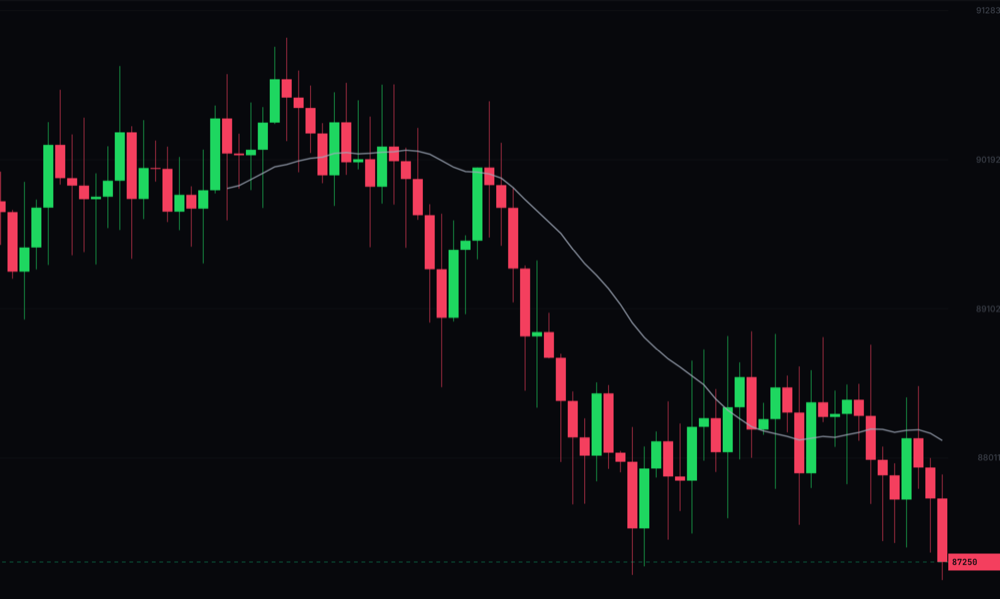
The chart shows live candlesticks for the market you are viewing. Switch timeframes from 1m to 1W and add indicators such as SMA, EMA and BOLL to study the price.

The 1 Trade Market price chart with candlesticks, timeframes and indicators

The order book

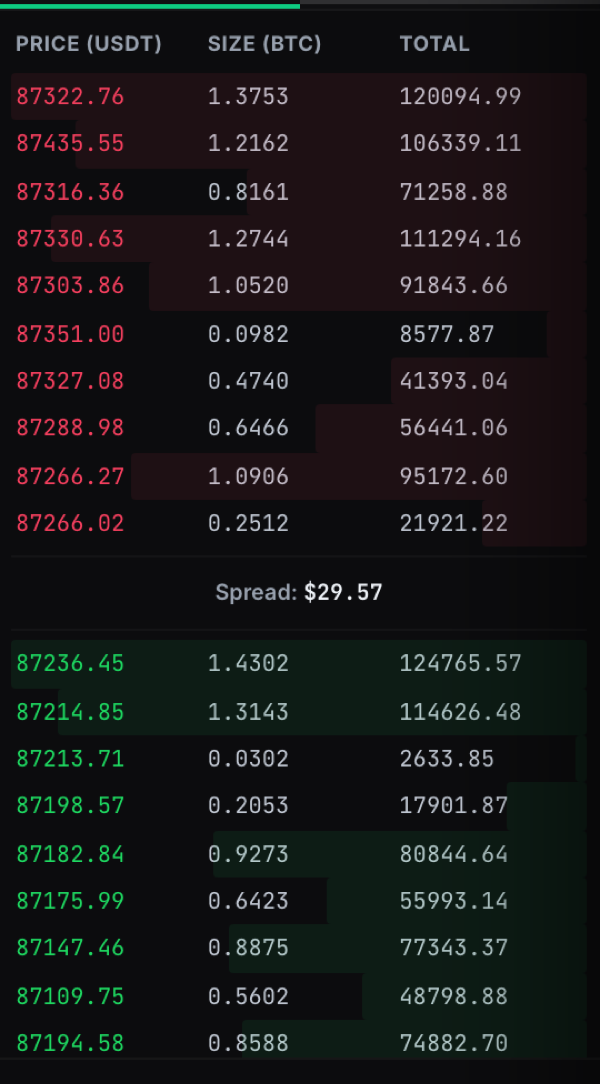
The order book lists live buy and sell orders with their price, size and running total, so you can see supply and demand at a glance. The spread is the gap between the best buy and sell price.

The order book showing live buy and sell orders and the spread

The order panel

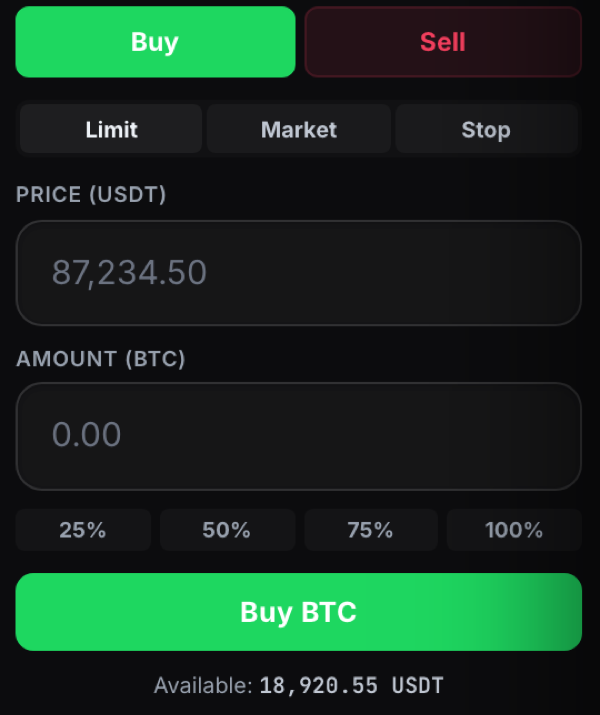
Use the order panel on the right to place a trade. Choose Buy or Sell, pick an order type (Market, Limit or Stop), set your price and amount, and confirm.

The order panel with Buy and Sell, order types, price and amount fields

Last updated