Sign up today and unlock up to $10,000 bonuses Get Now →
For the complete documentation index, see llms.txt. This page is also available as Markdown.

🛒Orders and Positions

Learn how to place an order and manage your open positions in the 1 Trade Market trading terminal.

The trading terminal is where you place orders and manage your open positions.

Place an order

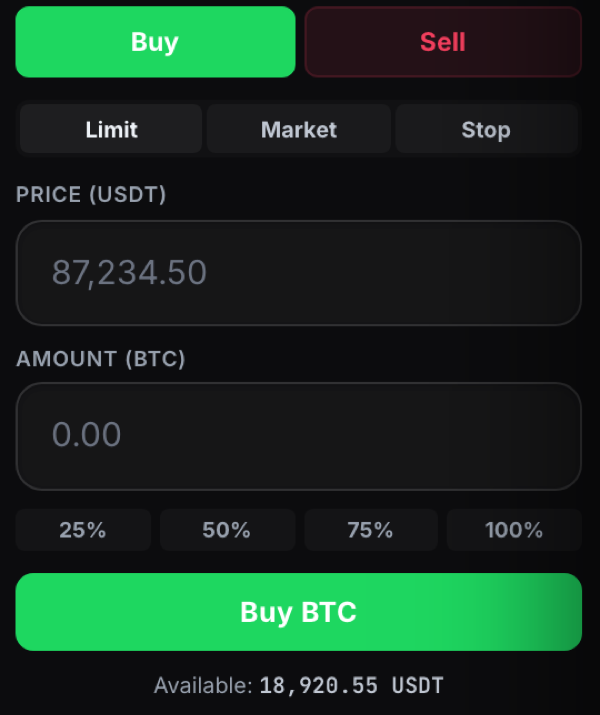
Use the order panel to choose Buy or Sell, pick an order type, set your amount, and confirm.

The order panel where you place a trade

Manage your positions

Once an order fills it becomes a position. Track your open positions and their profit or loss in the panel below the chart.

An open position showing entry, mark price and profit or loss

Last updated