Sign up today and unlock up to $10,000 bonuses Get Now →
For the complete documentation index, see llms.txt. This page is also available as Markdown.

1️⃣Order Types

Learn about the order types on 1 Trade Market: Market fills right away at the best price, Limit fills at the price you set, and Stop triggers once the price reaches your level.

>
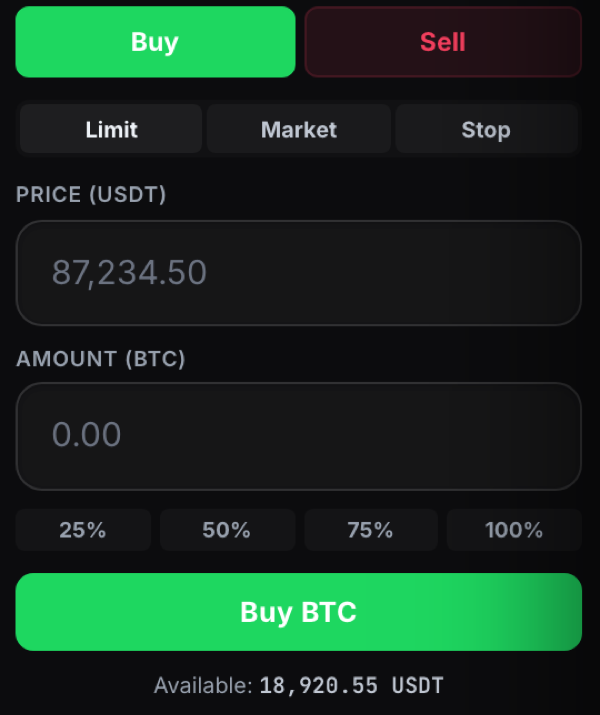
1 Trade Market offers several order types, all chosen from the order panel on the right of the trading screen.

The order panel showing the Limit, Market and Stop order types
  • Market buys or sells straight away at the best available price.
  • Limit sets the exact price you want to trade at. It fills only when the market reaches that price.
  • Stop triggers an order once the price hits a level you set, which is useful for protecting a position.

Set your amount in the Amount field, or use the 25, 50, 75 and 100 percent buttons to size your order from your available balance, then confirm with the Buy or Sell button.

Last updated