

2️⃣Place and Manage Orders
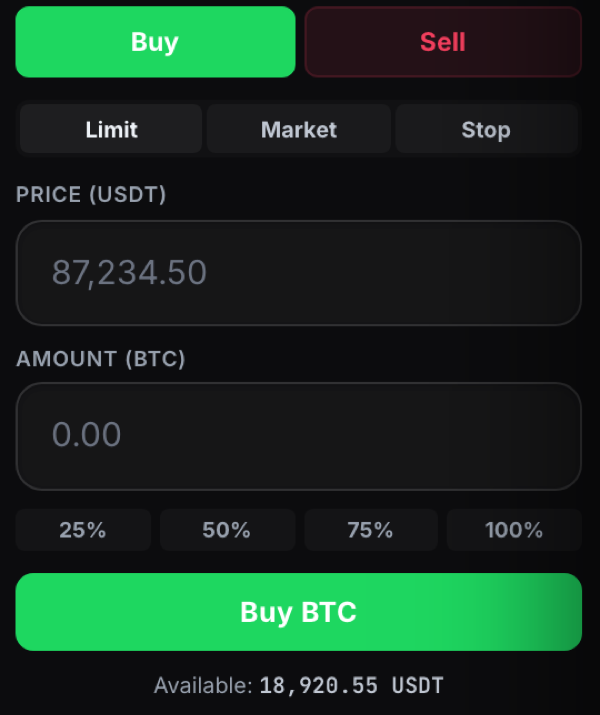
Place an order from the order panel, then track and manage it in the Open Orders, Order History and Trade History tabs below the chart.
Track your orders

Last updated
Place an order from the order panel, then track and manage it in the Open Orders, Order History and Trade History tabs below the chart.
Last updated